Computer Exhibition
Rajasthan Schools Computer Department is organized an exhibition every year is an excellent way to showcase the cumulative efforts of students and teachers, engage the community, and provide a platform for continuous learning. It’s an event that builds on itself, creating a tradition of innovation and excellence. Here’s a comprehensive plan for an annual departmental exhibition, focusing on key elements that ensure its long-term success.
Theme: “Innovate, Create, and Connect: The Future of Technology”
Objective: To encourage students from grades 6 to 12 to explore and engage with new computer technologies, fostering their creativity, critical thinking, and awareness of the digital world. The exhibition aims to bridge the gap between theoretical knowledge and practical application, showcasing how technology is shaping our daily lives and future careers.
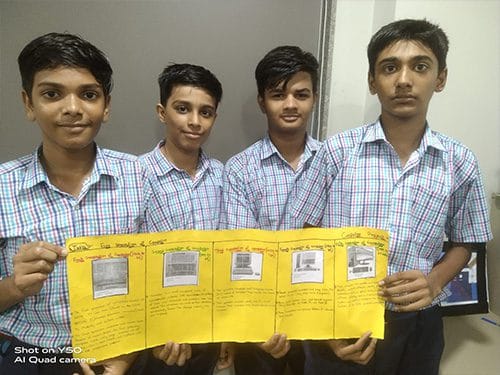
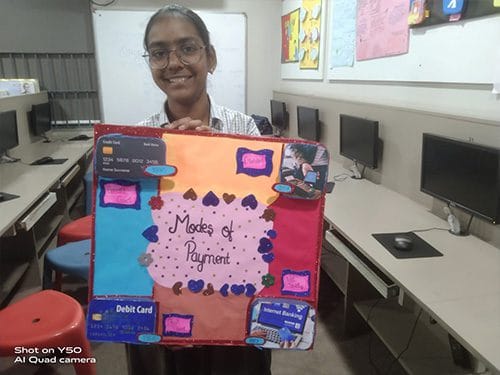
Proposed Exhibition Sections:
The exhibition should be divided into different zones, each focusing on a specific area of computer technology. This structure allows students to explore topics based on their interests and grade level.
1 – The Basics of Building (Std. 6-8)
This section is designed for the younger students, focusing on the fundamental components and concepts of computing.
- Hands-on Hardware: A station where students can deconstruct and reconstruct a computer. They can learn to identify components like the CPU, RAM, motherboard, and storage drives. This provides a tangible understanding of how a computer works.
- Block-Based Programming: Showcase projects created using visual programming languages like Scratch or Blockly. Students can demonstrate simple games, animations, or interactive stories they’ve built, proving that coding can be fun and accessible.
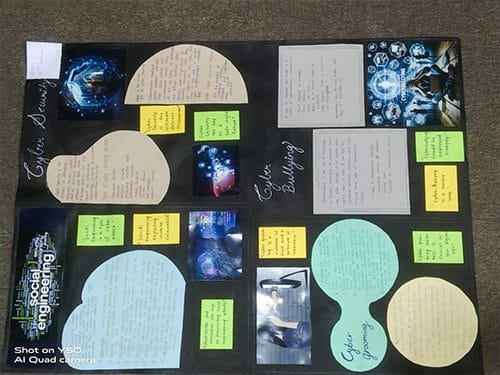
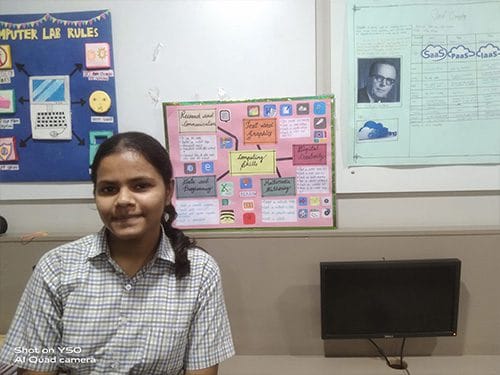
- Digital Citizenship and Cyber Safety: Interactive displays or short presentations on topics like media balance, privacy, security, and responsible social media use. This is crucial for building a generation of responsible digital users.
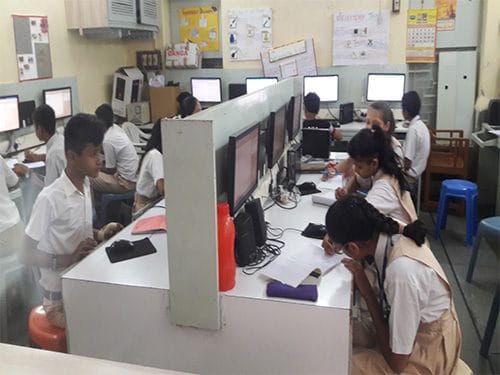
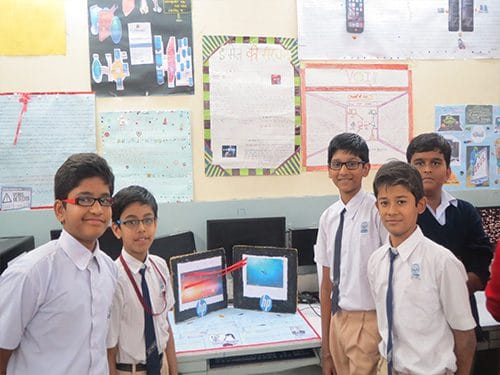
2 – Coding and Creation (Std. 9-10)
This section is for students ready to move beyond the basics and dive into more advanced programming and creative projects.
- App and Web Development: Students can showcase mobile apps they’ve designed (e.g., a task manager, a budget tracker) or websites they’ve built using HTML, CSS, and JavaScript. This highlights the practical application of programming skills.
- Game Development: A showcase of 2D or 3D games created using platforms like Unity or Unreal Engine. This section can demonstrate how coding, art, and storytelling come together to create engaging experiences.
- Data Analysis: Projects that use Python libraries like Pandas to analyze and visualize data on topics like social media trends, climate change, or sports statistics. This introduces students to the power of data science.
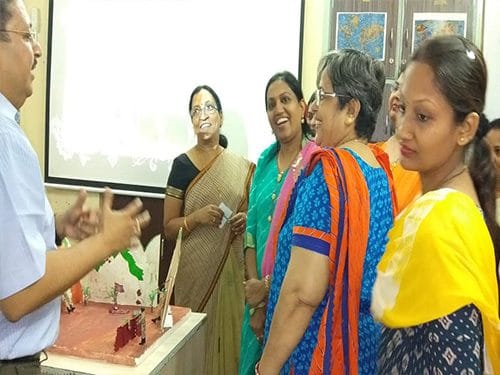
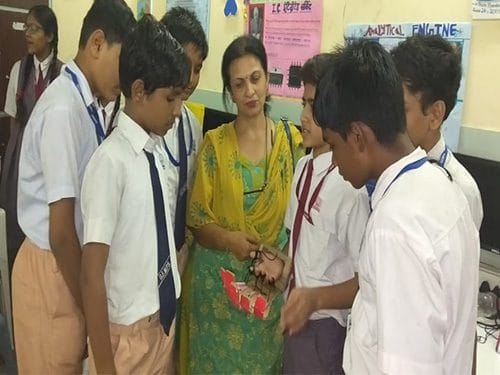
3 – The Future is Now (Std. 11-12)
This section is dedicated to cutting-edge technologies and their real-world applications, preparing older students for future careers.
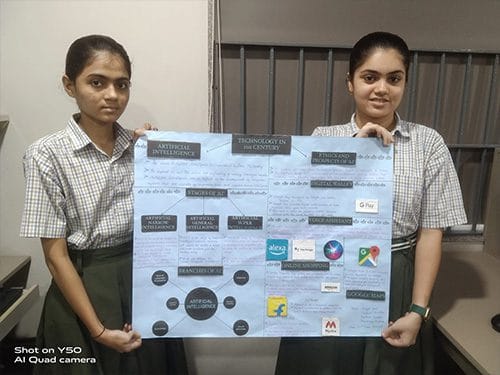
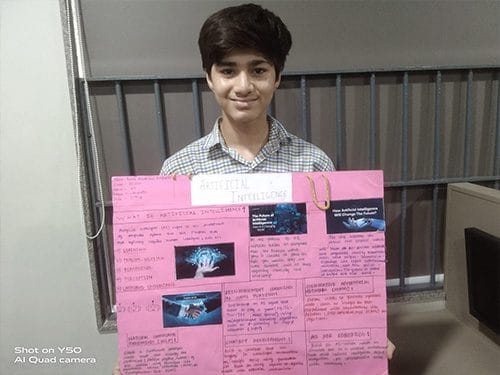
- Artificial Intelligence (AI) & Machine Learning (ML):
- AI-Powered Chatbots: Students can present their own AI chatbots designed for specific purposes (e.g., a bot that answers FAQs about the school).
- Image Classification: A project demonstrating how a machine learning model can be trained to classify images, such as identifying happy or sad faces.
- Generative AI: An exploration of how AI can create new content, such as images or text.
- Internet of Things (IoT) & Robotics:
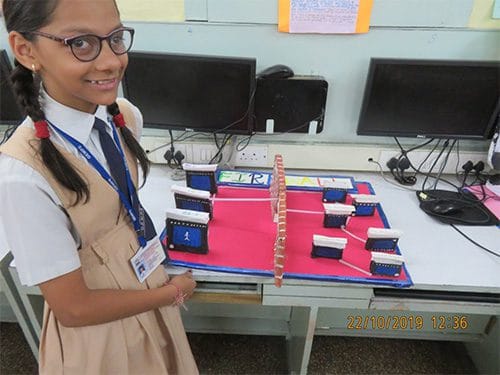
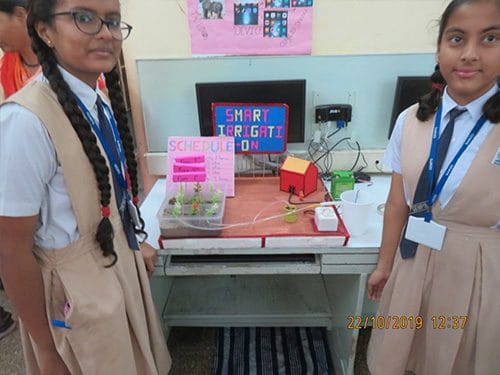
- Smart Devices: Students can showcase small-scale prototypes of IoT devices they’ve built using platforms like Arduino or Raspberry Pi (e.g., a smart home system that controls lights or a “smart” pet feeder).
- Robotics Projects: A demonstration of robots that perform specific tasks, like line-following or object detection, showcasing the intersection of hardware and software.
- Virtual Reality (VR) and Augmented Reality (AR): Interactive exhibits where students can demonstrate AR or VR projects, such as a virtual tour of a historical site or an AR app that overlays information on real-world objects. This highlights the potential of immersive technologies.
- Cybersecurity & Blockchain: A dedicated booth explaining the basics of cybersecurity, ethical hacking, and the concept of blockchain technology. Students can present projects on topics like password security or data encryption.
4 – Exhibition Logistics & Activities:
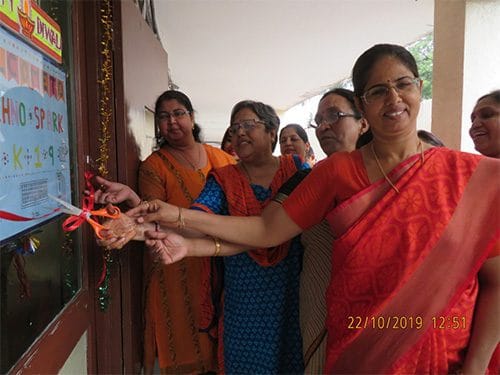
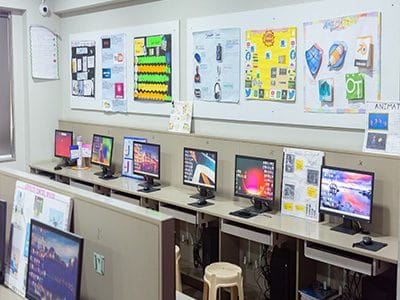
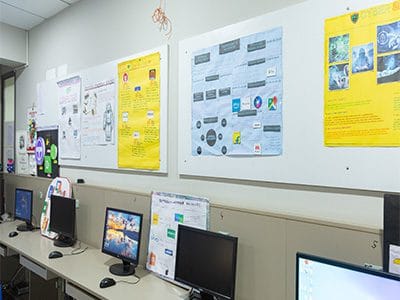
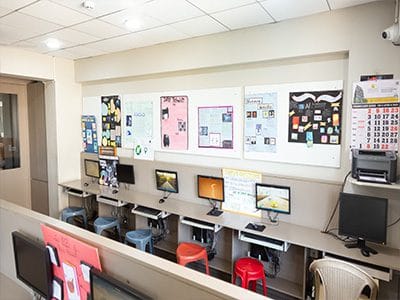
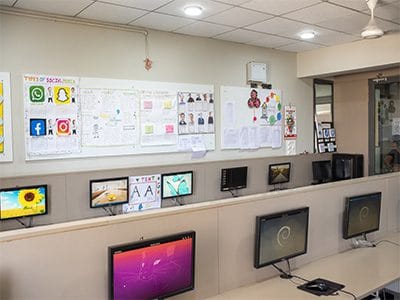
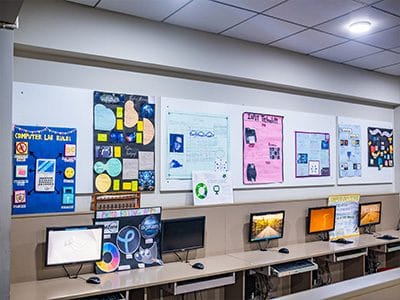
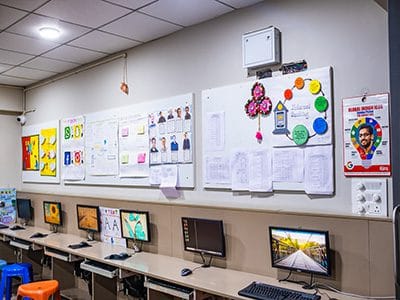
- Project Displays: Encourage students to use a standard display board to present their work. Each display should include the project title, the student’s name, an abstract, an explanation of the technology used, and a demonstration or video of the project in action.
- Live Demonstrations: Schedule specific times for students to give live demonstrations of their projects. This encourages public speaking and provides a more engaging experience for visitors.
- Workshops & Talks: Organize short workshops or talks by the school’s computer science teachers or guest speakers from the industry. Topics could include “Introduction to Ethical Hacking,” “Building Your First Website,” or “Careers in AI.”
- Interactive Quizzes: Set up computers with interactive quizzes about the technologies on display, offering small prizes to students who get the highest scores.
- Invitation and Publicity: Send invitations to parents, students from other schools, and local tech professionals to increase the event’s reach and impact. Use school notice boards, social media, and local newspapers to publicize the exhibition.
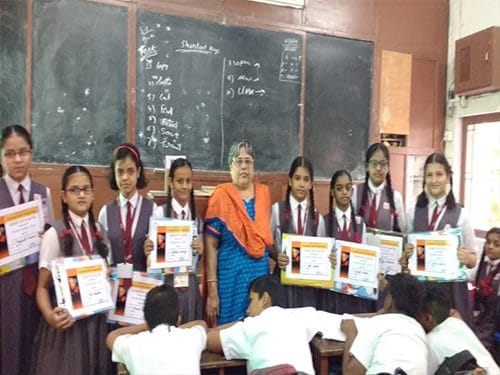
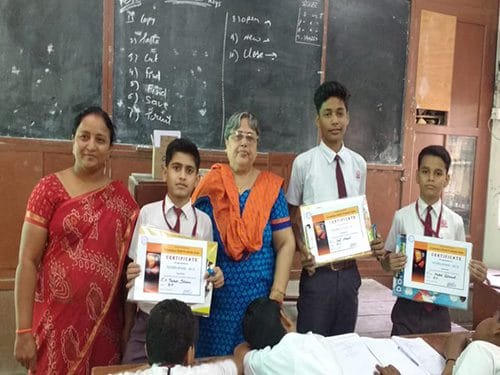
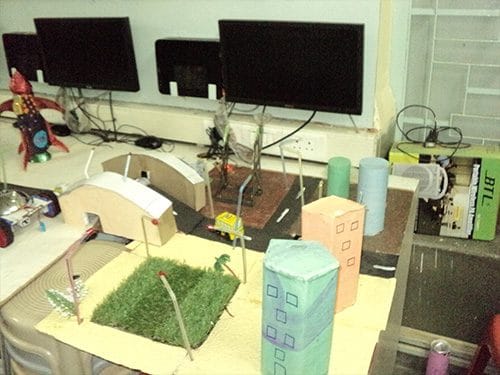
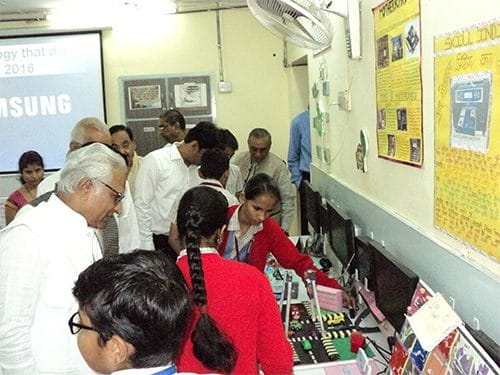
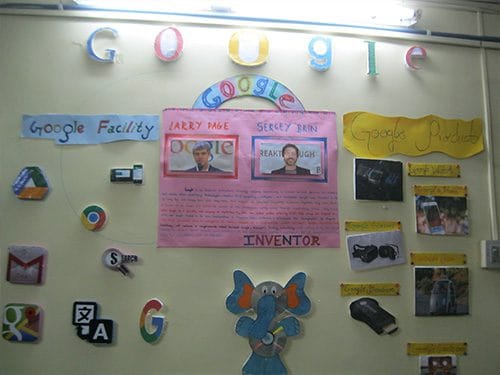
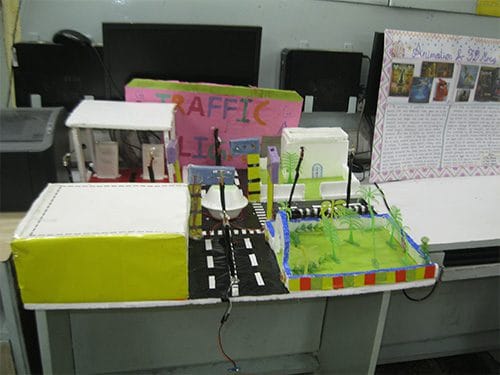
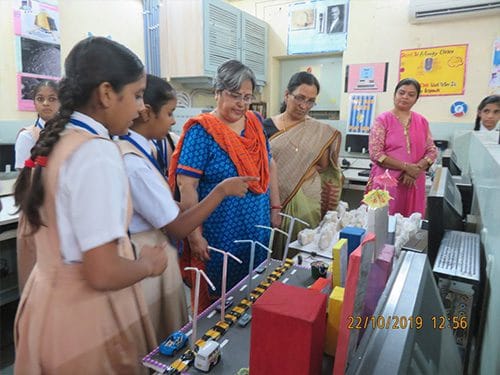
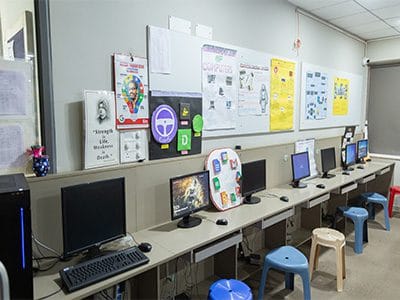
Start learning from our experts and enhance your skills
About Us
Rajasthan Schools Computer Department was established under Rajasthan Sewa Samiti in July 1992 under the guidance of C.A. Shri Mahendrasinhji Mehta. Under the joint guidance of C.A. Shri Mahendrasinhji Mehta and Shri Babulalji Shekhani, the Computer Department has been imparting education and training to the students of Hindi and English medium in primary and secondary streams since its inception. Presently, the Department is progressing smoothly under the guidance of Shri Vivekji Shroff.
Contact
Contact Number
Send Email
Copyright@2026. Rajasthan Schools Computer Department. All Rights Reserved | Designed by Konnect Me Studio